

AnyDesk Remote Desktop
AnyDesk Remote Desktop App Info
-
App Name
AnyDesk Remote Desktop
-
Package Name
com.anydesk.anydeskandroid
-
Developer
AnyDesk Software GmbH -
Category
Business -
Updated
2026/02/23
-
Version
8.3.2
Usage of the AnyDesk Remote Desktop App
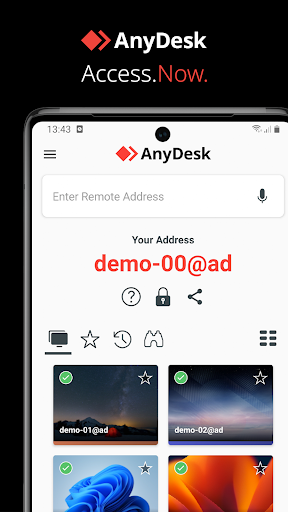
🌍 The AnyDesk Remote Desktop app is designed for seamless connectivity. Whether you are in the office next door or thousands of miles away, it enables reliable remote access.
🖥️ Its functionality caters to diverse users, including IT professionals, remote workers, and students. The free AnyDesk Remote Desktop app ensures smooth operation without ads for personal use.
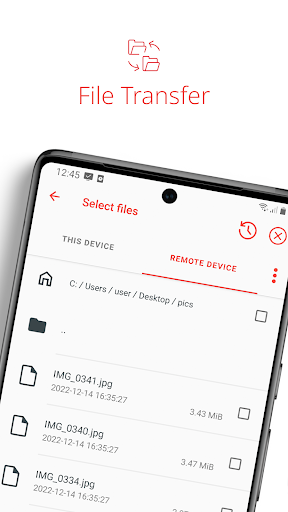
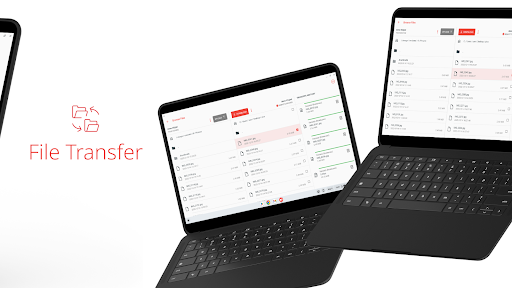
📲 With the AnyDesk Remote Desktop apk, you can connect to remote devices effortlessly. File transfer and remote printing are just a few clicks away.
🔒 Using AnyDesk guarantees that your connections are secured with banking-standard encryption, ensuring data safety across various operations.
Three Advantages of AnyDesk Remote Desktop
1. 🚀 Outstanding performance is a hallmark of the AnyDesk Remote Desktop app. Users can expect high frame rates and low latency, enhancing their experience.
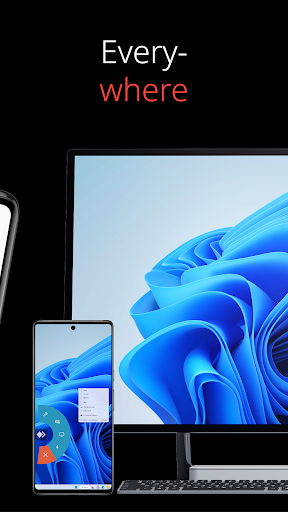
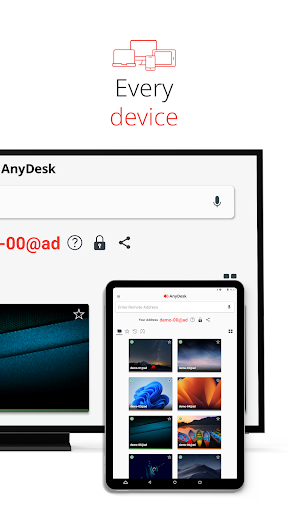
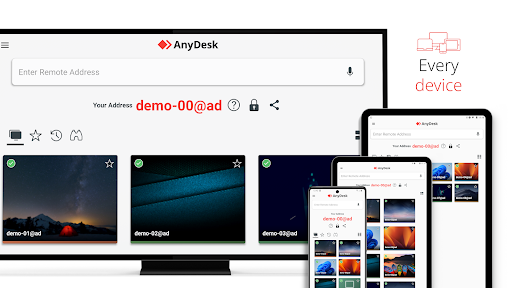
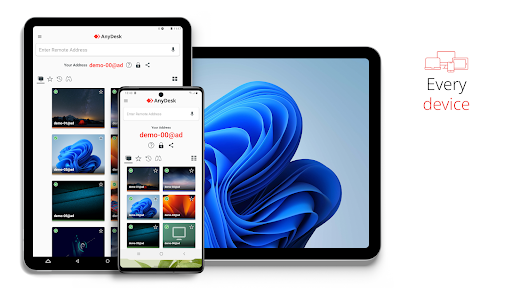
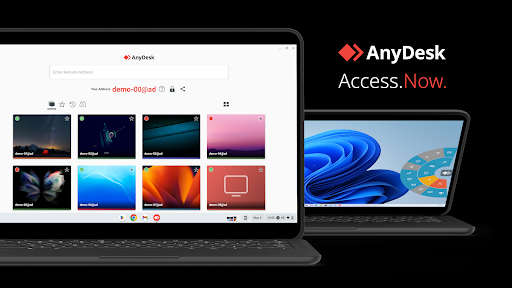
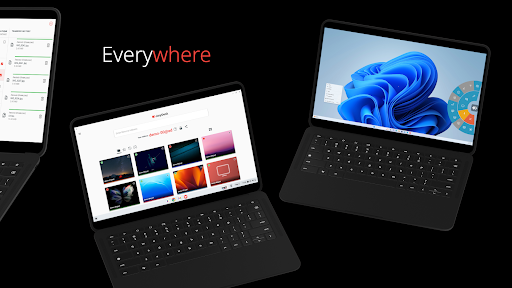
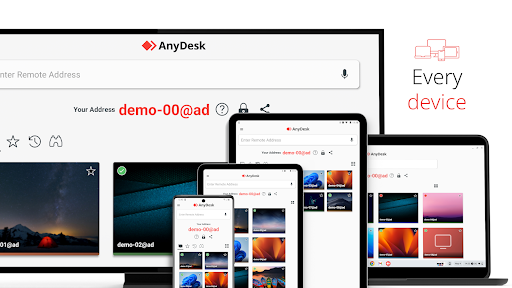
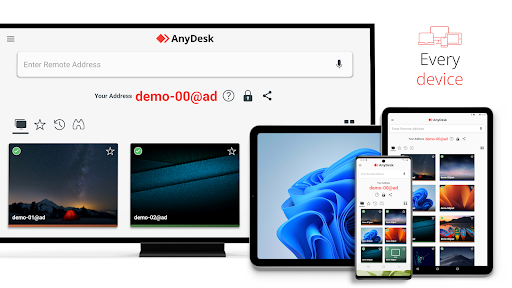
2. 📱 Compatibility is a strength; the app works across all operating systems and devices. You can easily download AnyDesk Remote Desktop on Windows, macOS, Linux, Android, and iOS.
3. 🛡️ The AnyDesk VPN feature provides extra security by creating a private network. Users can securely connect to remote devices while maintaining network integrity.
Three Disadvantages of AnyDesk Remote Desktop
1. ⚡ While the AnyDesk Remote Desktop app offers excellent features, it may encounter connectivity issues based on the quality of internet. This can hinder user experience.
2. 💵 For commercial use, a paid subscription is required. Although the free version is robust, businesses may need more features that come at a cost.
3. 🔍 Users with minimal technical expertise may find the setup process slightly complex, particularly concerning the VPN and advanced configurations.
FAQs about AnyDesk Remote Desktop
1. ❓ How do I download AnyDesk Remote Desktop? Simply visit the official site and navigate to the download section for all platforms.
2. 🔑 Is the AnyDesk Remote Desktop installation free? Yes, it is free for personal use, providing full access to basic features without ads.
3. 📞 What if I need support while using the app? You can access comprehensive guides and FAQs through the Help Center available on the AnyDesk Remote Desktop platform.
Analysis from the Editor's Perspective
📝 In my experience, the AnyDesk Remote Desktop app stands out in performance and functionality. It's user-friendly, especially for beginners venturing into remote access solutions.
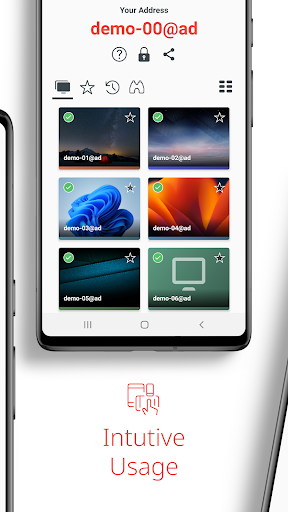
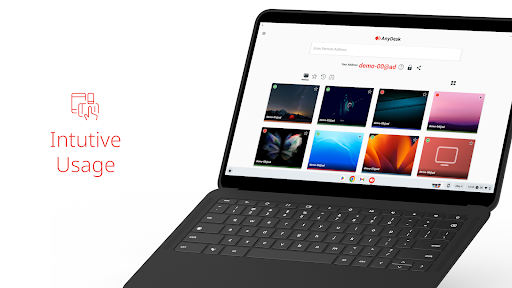
✨ The interface is intuitive, making the process of install AnyDesk Remote Desktop straightforward. Users can easily login AnyDesk Remote Desktop for quick access.
🔒 Security measures, including banking-standard encryption, are impressive and essential in today’s digital environment. Features such as file transfer enhance usability for various tasks.
📊 Overall, whether you’re using the AnyDesk Remote Desktop apk on Android or the iOS version, accessibility and convenience are top-notch. This application is a powerful tool for remote assistance.
AnyDesk Remote Desktop
Version 8.3.2 Updated 2026/02/23


