

Samsung Notes






Samsung Notes App Info
-
App Name
Samsung Notes
-
Package Name
com.samsung.android.app.notes
-
Developer
Samsung Electronics Co., Ltd. -
Category
Productivity -
Updated
2024/07/13
-
Version
—
Samsung Notes: Creating and Collaborating on the Go
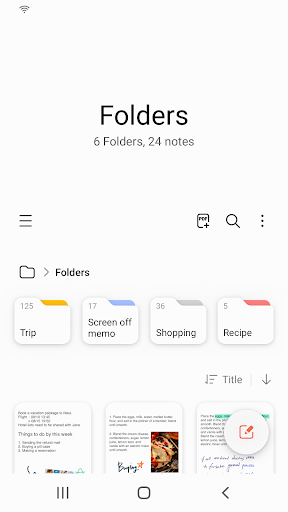
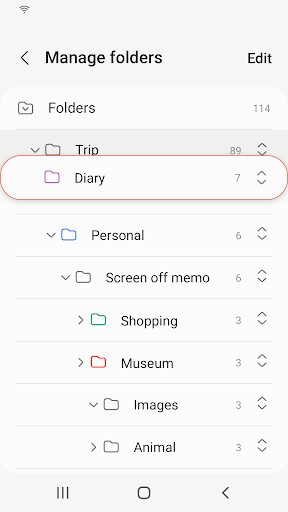
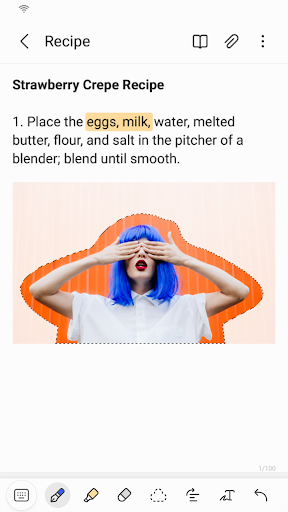
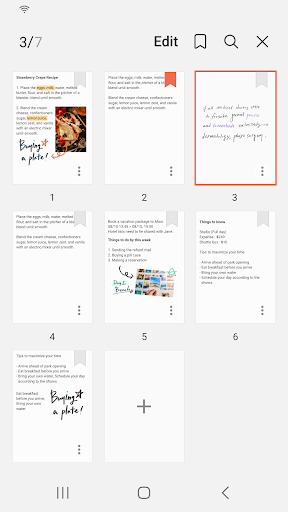
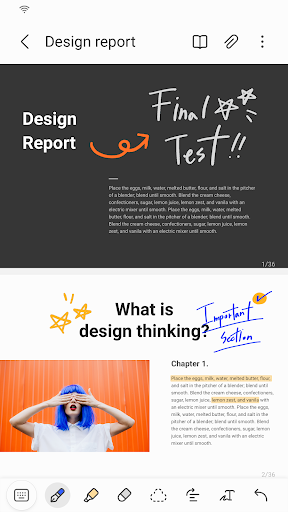
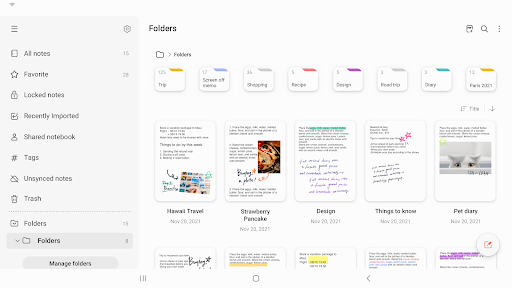
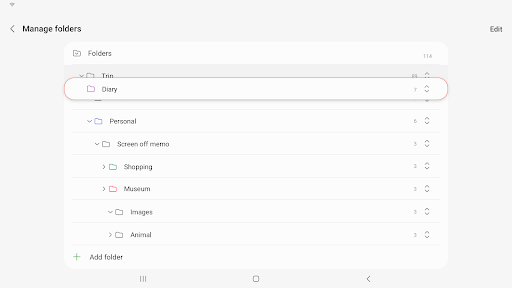
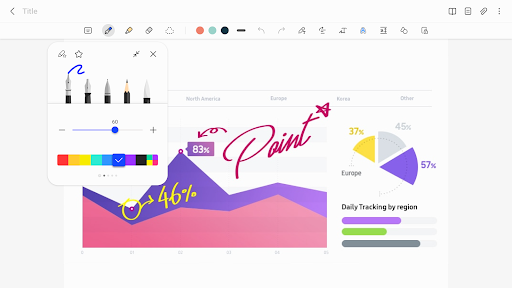
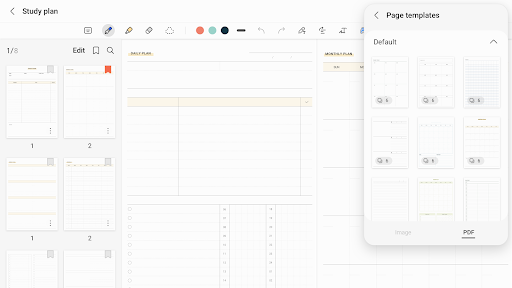
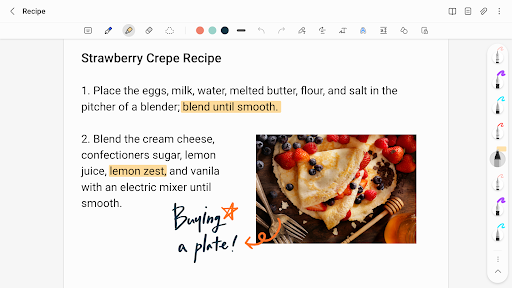
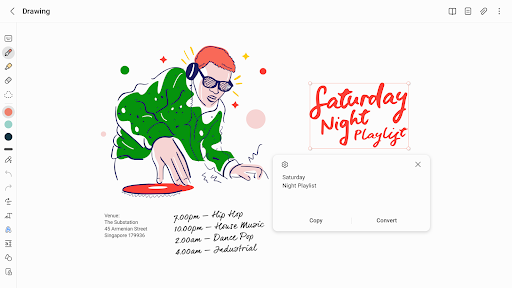
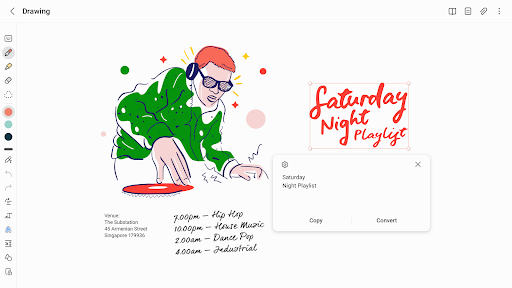
The Samsung Notes app is a versatile tool that allows users to create and edit documents across multiple devices, including mobile phones, tablets, and PCs. With the ability to collaborate with others, add annotations to PDFs, and create documents with images or voice recordings, Samsung Notes offers a comprehensive solution for note-taking and document management.
Advantages
1. Seamless Collaboration: One of the key advantages of Samsung Notes is its collaborative features. Users can easily share their notes with others and work together in real-time. This is particularly useful for team projects or group discussions where multiple individuals need to contribute to a document. The ability to collaborate across different devices ensures that everyone can stay connected and updated.
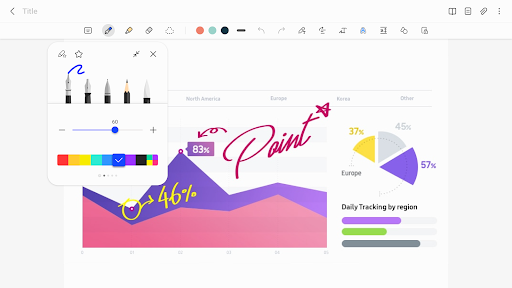
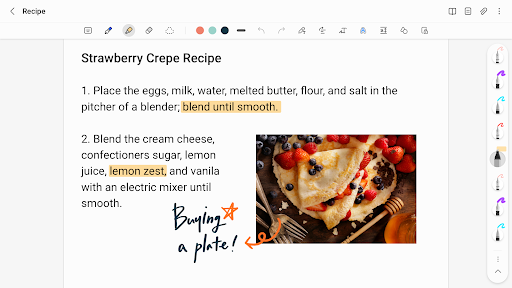
2. S Pen Functionality: Users who own a Samsung device with an S Pen will find the Samsung Notes app especially useful. The app allows users to add annotations to PDFs using the S Pen, providing a convenient way to highlight important information or make notes on documents. This feature enhances the overall productivity and usability of the app, particularly for those who frequently work with PDF files.
3. Integration with Other Apps: Samsung Notes seamlessly integrates with various apps such as PDF, Microsoft Word, and Microsoft PowerPoint. This allows users to connect their notes with other documents and easily switch between different applications. The ability to import notes and memos created in other note-taking apps, such as Memo and S Note, further enhances the versatility and usability of Samsung Notes.
Disadvantages
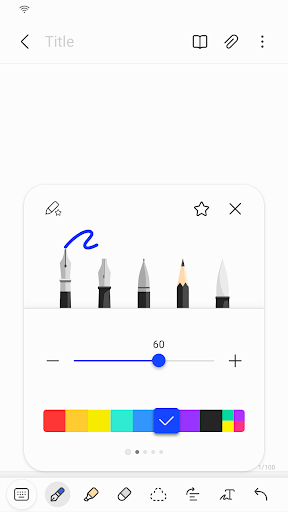
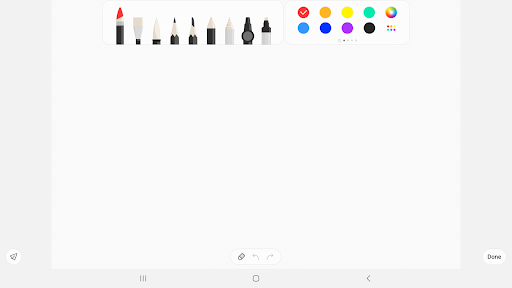
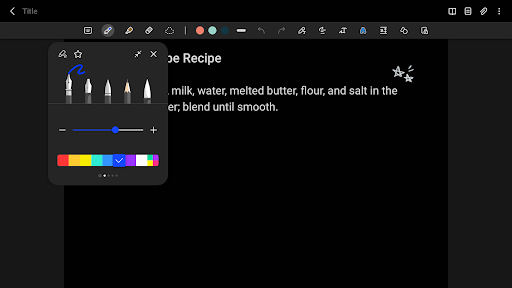
1. Limited Formatting Options: While Samsung Notes offers a range of writing tools, including pens, pencils, and highlighters, the app has limited formatting options compared to dedicated word processing software. Users may find it difficult to create complex formatting styles or customize the appearance of their documents. This limitation may be a drawback for those who require more advanced formatting features.
2. Restricted Compatibility: Although Samsung Notes has integration capabilities with other apps, it is primarily designed for Samsung devices. This restricts its compatibility with non-Samsung devices, limiting its potential user base. Users who do not have Samsung devices may need to find alternative note-taking apps that offer similar features and cross-platform functionality.
3. Privacy and Security Concerns: While Samsung Notes offers a lock note feature to protect users' notes, some users may still have concerns about the privacy and security of their data. The app requires certain permissions, such as access to storage, photos, and microphone, which may raise privacy concerns for sensitive information. Users should exercise caution when storing confidential or personal data in the app.
FAQs
1. Can I use Samsung Notes on devices other than Samsung?
The Samsung Notes app is primarily designed for Samsung devices. While it may be possible to use the app on non-Samsung devices, compatibility may be limited, and some features may not be fully functional. It is recommended to check the app's compatibility with your device before use.
2. Can I collaborate with users who do not have Samsung devices?
Yes, Samsung Notes allows collaboration with users who do not have Samsung devices. However, the compatibility and functionality may vary depending on the device and the apps used for collaboration. It is recommended to test the collaboration features with other users to ensure compatibility and smooth communication.
3. How secure is my data in Samsung Notes?
Samsung Notes provides a lock note feature to protect users' notes. This adds an extra layer of security by requiring a password or a biometric authentication method to access locked notes. However, it is always recommended to exercise caution when storing sensitive or confidential information in any digital platform, including Samsung Notes.
Analysis from the Editor's Perspective
From the editor's perspective, Samsung Notes offers a comprehensive note-taking and document management solution for Samsung device users. The ability to create and edit documents across multiple devices, collaborate with others, and integrate with various apps makes it a versatile tool for both personal and professional use. The S Pen functionality adds a unique touch, particularly for those who frequently work with PDFs or need to add handwritten annotations. However, the limited formatting options and restricted compatibility with non-Samsung devices may be drawbacks for some users. The privacy and security concerns also need to be taken into consideration when using the app. Overall, Samsung Notes is a robust note-taking app that provides a convenient and organized way to create, edit, and collaborate on documents on the go.
Samsung Notes
Version —— Updated 2024/07/13


