

Google Maps











Google Maps App Info
-
App Name
Google Maps
-
Package Name
com.google.android.apps.maps
-
Developer
Google LLC -
Category
Travel & Local -
Updated
2026/04/22
-
Version
26.16.12.898594237
Navigating the World with Google Maps
Google Maps has undeniably shaped the way we explore our surroundings and navigate through intricate urban mazes or winding country roads. Available for both Android and iOS devices, this free Google Maps app can be easily downloaded and installed, making it a staple for many who seek reliable navigation. Whether you are a frequent traveler or simply exploring your own city, the Google Maps app offers a comprehensive tool to assist you in managing your travels effectively.
The Power of Google Maps' Advantages
1. Accurate and Extensive Coverage: Google Maps provides up-to-date and reliable maps for over 220 countries, ensuring precise navigation from cities to small towns.
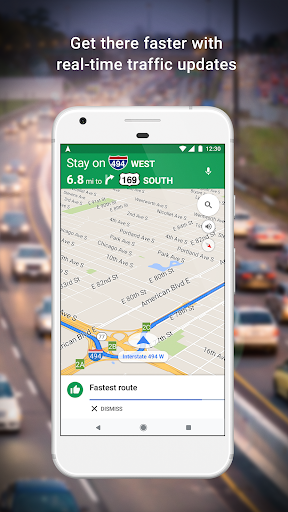
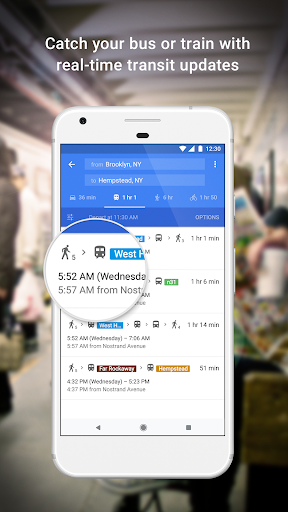
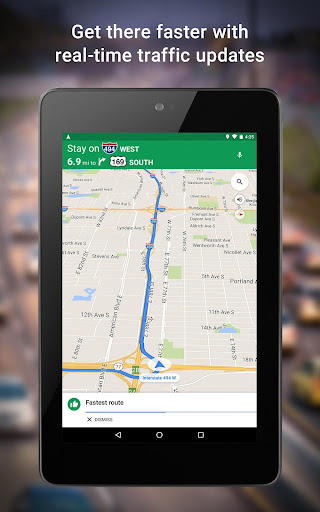
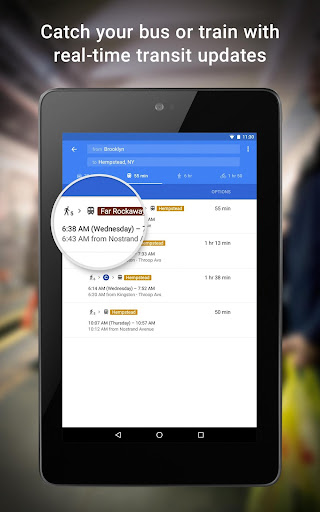
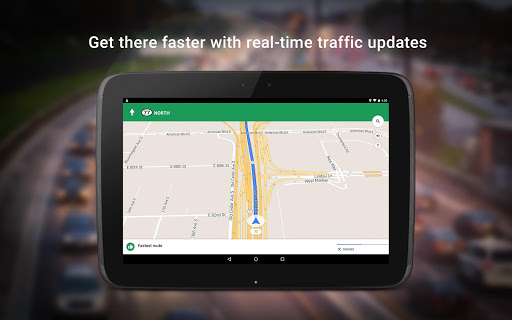
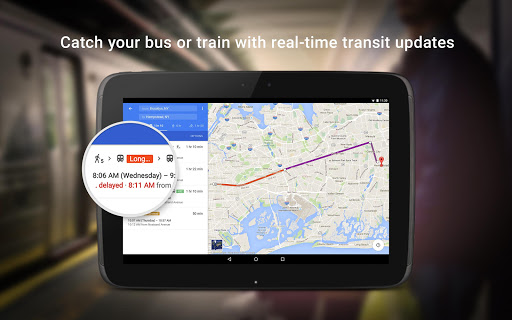
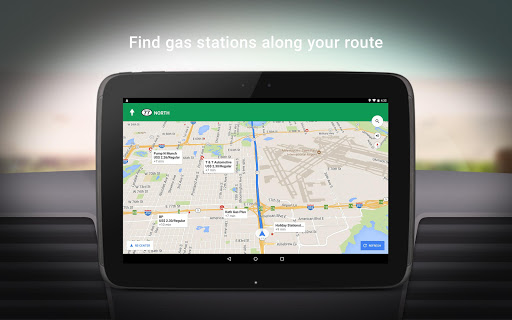
2. Real-Time Traffic Updates: Live traffic data and automatic rerouting help users avoid delays and reach destinations faster.
3. Google Service Integration: Seamless links with Gmail and Google Calendar make it easy to manage routes and events efficiently.
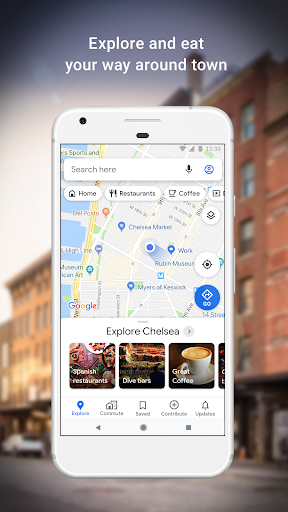
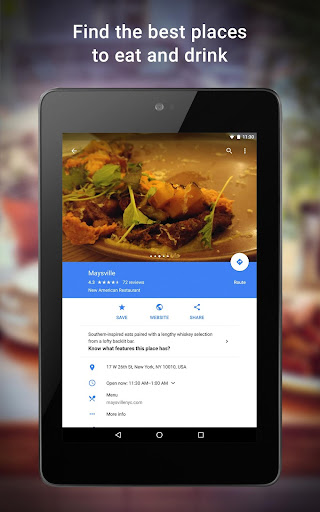
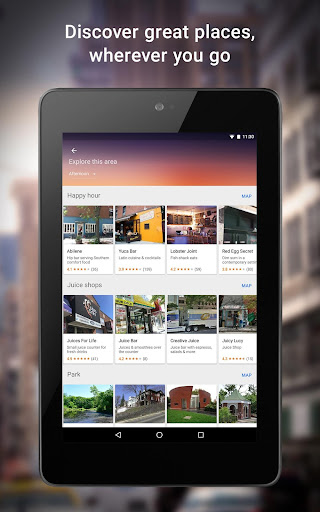
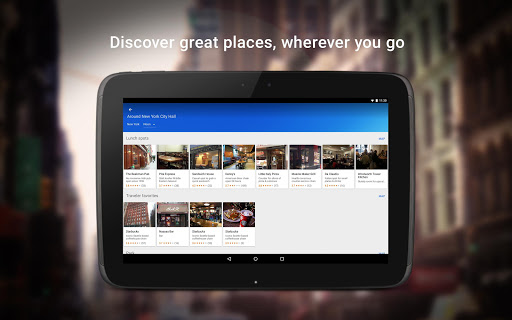
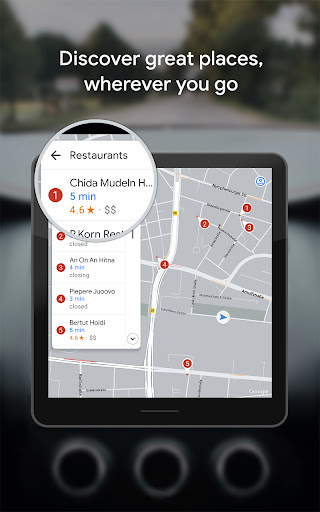
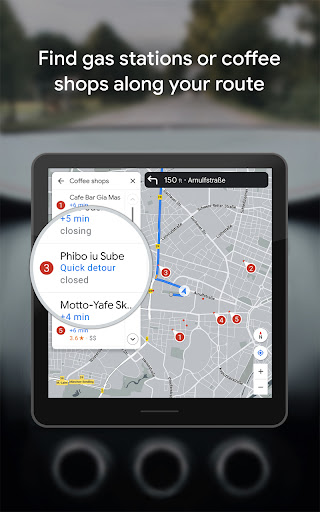
4. Local Insights: Users can discover nearby restaurants, attractions, and shops with helpful reviews and photos.
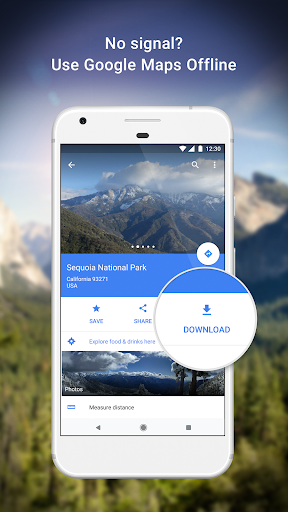
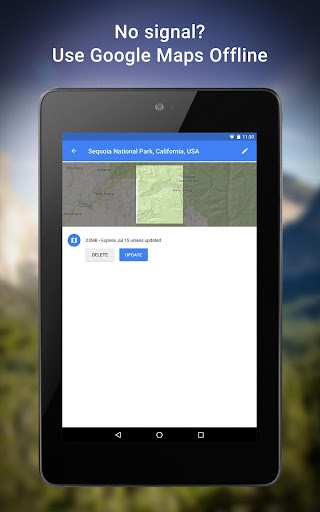
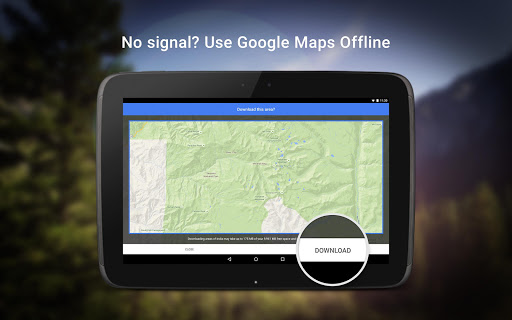
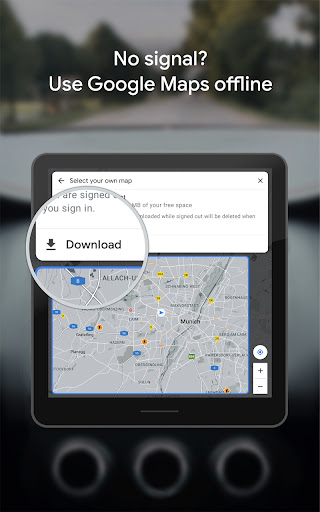
5. Offline Navigation: Maps can be downloaded for use without an internet connection, ideal for travel or low-signal areas.
Exploring the Drawbacks of Google Maps
1. High Data Usage: Constant map updates and tracking can consume significant mobile data unless offline maps are downloaded.
2. Battery Consumption: Continuous GPS use may drain the battery quickly during long trips.
3. Vehicle Limitations: Not suitable for large or emergency vehicles; specialized navigation tools may be needed.
Exciting Features of Google Maps
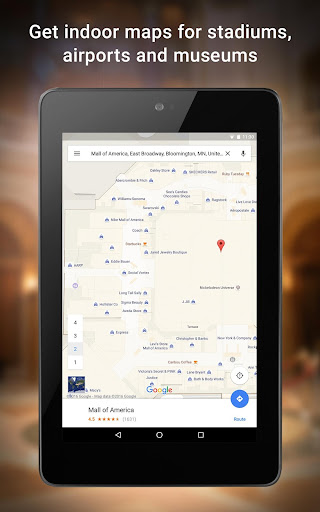
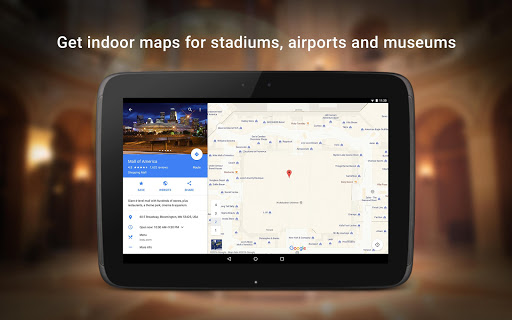
1. Street View & Indoor Imagery: Offers virtual tours of streets and interiors of places like restaurants or museums, helping users preview destinations.
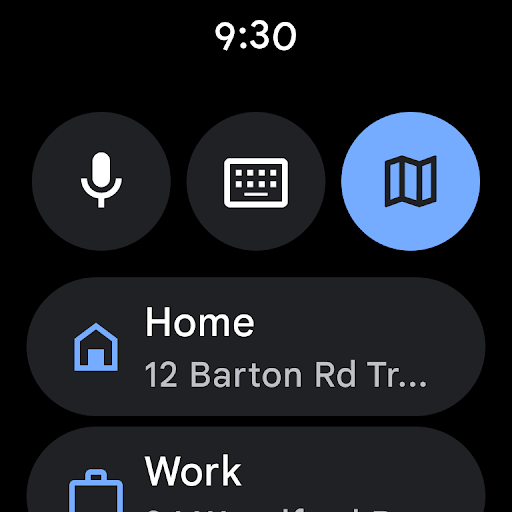
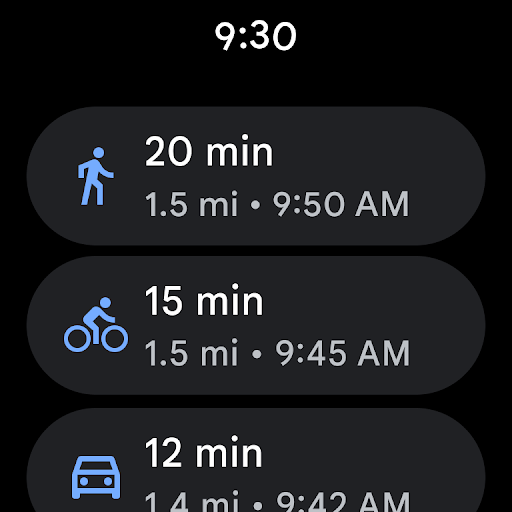
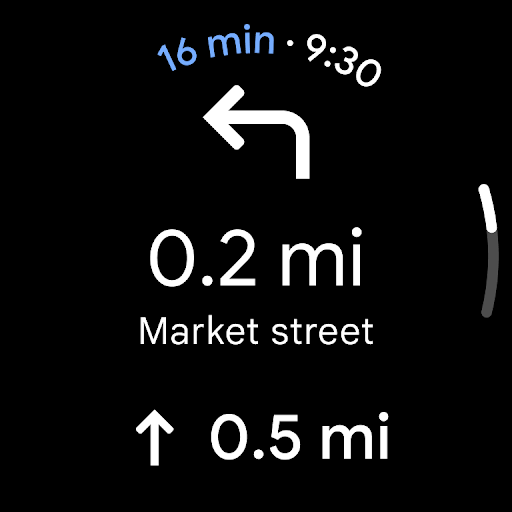
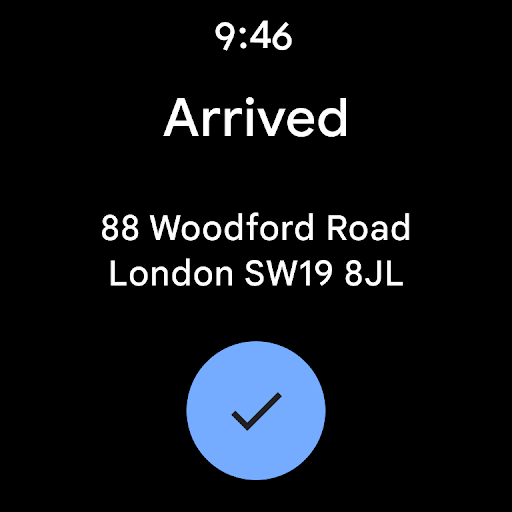
2. Wearable Support: Compatible with Wear OS, letting users view routes and ETAs directly on their smartwatches.
3. Group Planning: Enables list creation, sharing, and real-time voting for easier trip or event coordination.
4. User Contributions: Allows users to add roads, update details, and upload photos to keep maps accurate and current.
Analysis from the Editor's Perspective
Google Maps is an essential navigation tool in today’s mobile world, offering real-time updates, accurate routes, and helpful local insights. Installation on Android or iOS is quick, providing instant access to detailed maps and reliable directions anywhere. Continuous updates and smart integration make it useful for both everyday users and frequent travelers.
While data usage, battery drain, and limits for large vehicles are minor drawbacks, they don’t overshadow its strengths. With its blend of practicality, exploration, and convenience, Google Maps remains the leading navigation app, setting the benchmark for accuracy and ease of use.
User Testimonials: Voices of the Community
1. Emma, Traveler: "I've installed Google Maps on my Android before my trip to Europe, and it was invaluable. The offline maps saved me in areas with spotty coverage, and the local restaurant recommendations were spot on."
2. James, Daily Commuter: "Using Google Maps to beat traffic during my daily commute is a lifesaver. The real-time updates allow me to avoid congestion and even explore alternate routes I wouldn’t have considered otherwise."
3. Anna, Group Planner: "Download Google Maps and you enter a world of possibilities for planning outings with friends. We love the group voting feature; it makes deciding where to go so much fun. Plus, the app's ease of use is impeccable, especially on iOS."
Google Maps
Version 26.16.12.898594237 Updated 2026/04/22


